Pureinfotech
  • Windows 11
  • Windows 10
  • How-To
  • AI
  • News
  • Devices
  • About
  • Search
  • Follow

Features

Install FreeNAS

How to install FreeNAS to set up a file server

Published on August 7, 2019

Are you looking to build a file server? FreeNAS is perhaps your best option because of its features and price (free). Here's how to ...

Windows 10 immersive search

How to enable hidden immersive search on Windows 10

Published on July 19, 2019

Windows 10 has a hidden floating search experience, and you can try it out with these steps.

Delete Encrypted drive running Windows 10 with Gparted

How to erase BitLocker encrypted drive on Windows

Published on July 15, 2019

If your device is using BitLocker and you lost the password and recovery key, then these are the steps that you need to follow to ...

Windows 10 version 1903, April 2019 Update

Windows 10 version 1903, May 2019 Update: All the new features and changes

Published on July 15, 2019

UPDATED 8/5: Windows 10 May 2019 Update, version 1903, is rolling out starting May 21, and here are all the new features and changes ...

Check TPM chip on Windows 10

How to determine if your PC has Trusted Platform Module (TPM) chip on Windows 10

Published on July 2, 2019

If you're planning to set up drive encryption on your PC, then you first need to make sure that there's a TPM hardware available, and ...

Windows 10 version 1903 fully available notice

Windows 10 version 1903 fully available starting June 6

Published on June 7, 2019

Microsoft makes the Windows 10 May 2019 Update available for anyone through Windows Update as manual upgrade.

Windows 10 full backup using Macrium Reflect

How to create a full backup of Windows 10 using Macrium Reflect

Published on May 28, 2019

Macrium Reflect features all the necessary features that you need to create a full backup to protect your Windows 10 installation and ...

Checking Windows 10 version 1903, April 2019 Update, is installed

How to check if Windows 10 version 1903, May 2019 Update, is installed on your PC

Published on May 23, 2019

May 2019 Update, version 1903, is the next major refresh of Windows 10, but is it already installed on your PC? Here's how to find out.

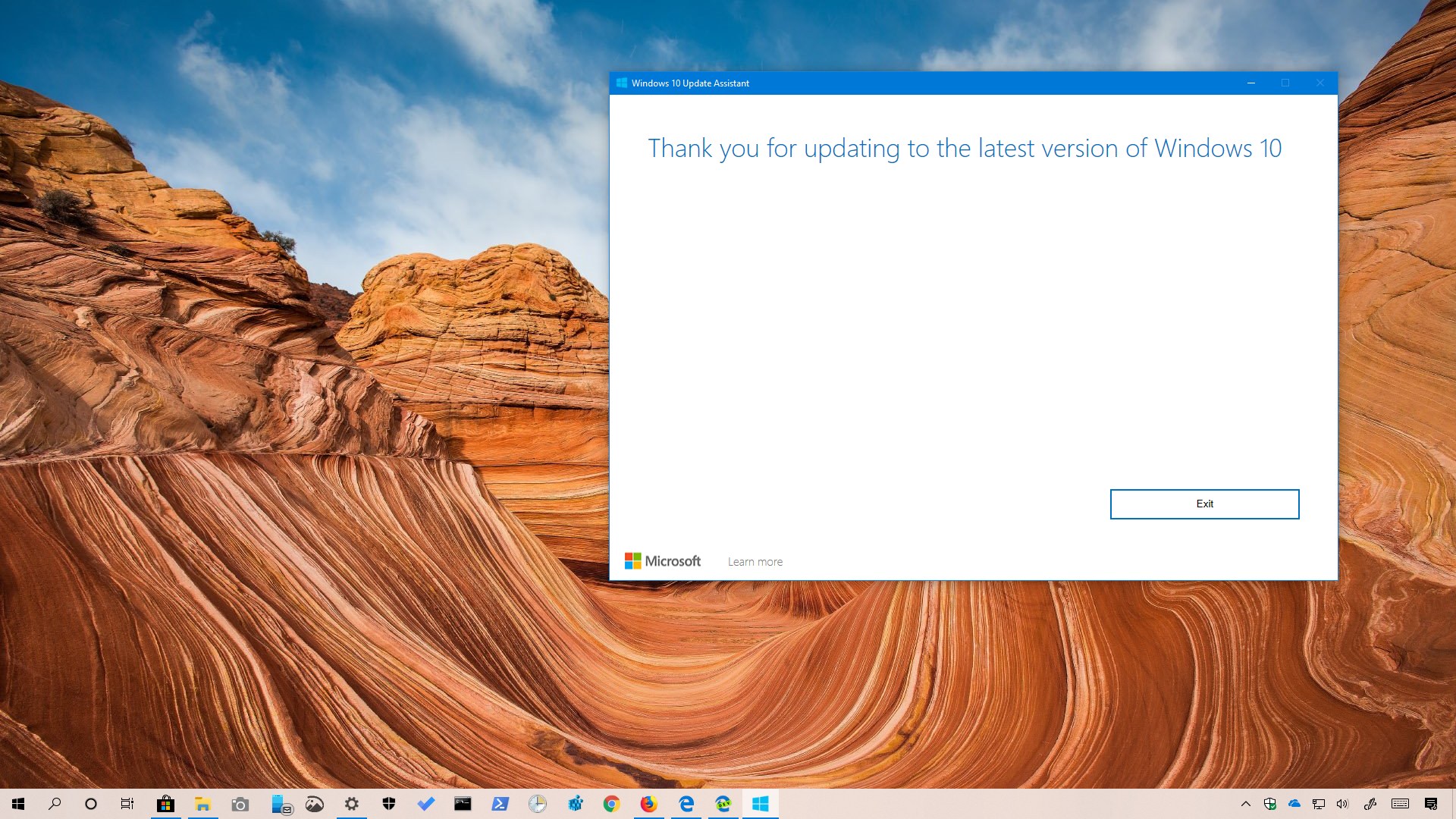
Windows 10 1903 download using Update Assistant

Windows 10 version 1903 download using ‘Update Assistant’

Published on May 23, 2019

The Update Assistant tool has been updated to install the Windows 10 May 2019 Update (version 1903), and here's how to use it.

Windows 10 version 1903, May 2019 Update, removed features

Windows 10 version 1903, May 2019 Update, removed features

Published on May 23, 2019

Starting with the May 2019 Update, Windows 10 is no longer offering or maintaining all these new features.
PREVNEXT
Get the latest tutorials delivered to your inbox
Add as preferred source on Google
  • About
  • Privacy
  • Contact us
  • RSS Feed
  • follow.it
  • X (Twitter)
  • Facebook
  • YouTube

Pureinfotech is independent online publication that makes Windows and apps easy to understand with clear, concise guides, advice, and news.

**This website uses cookies to ensure you get the best experience on our website.**
Copyright © 2026 Pureinfotech • Windows 10 & Windows 11 help for humans  All Rights Reserved.  Design new host by mh version 5.2026.3142