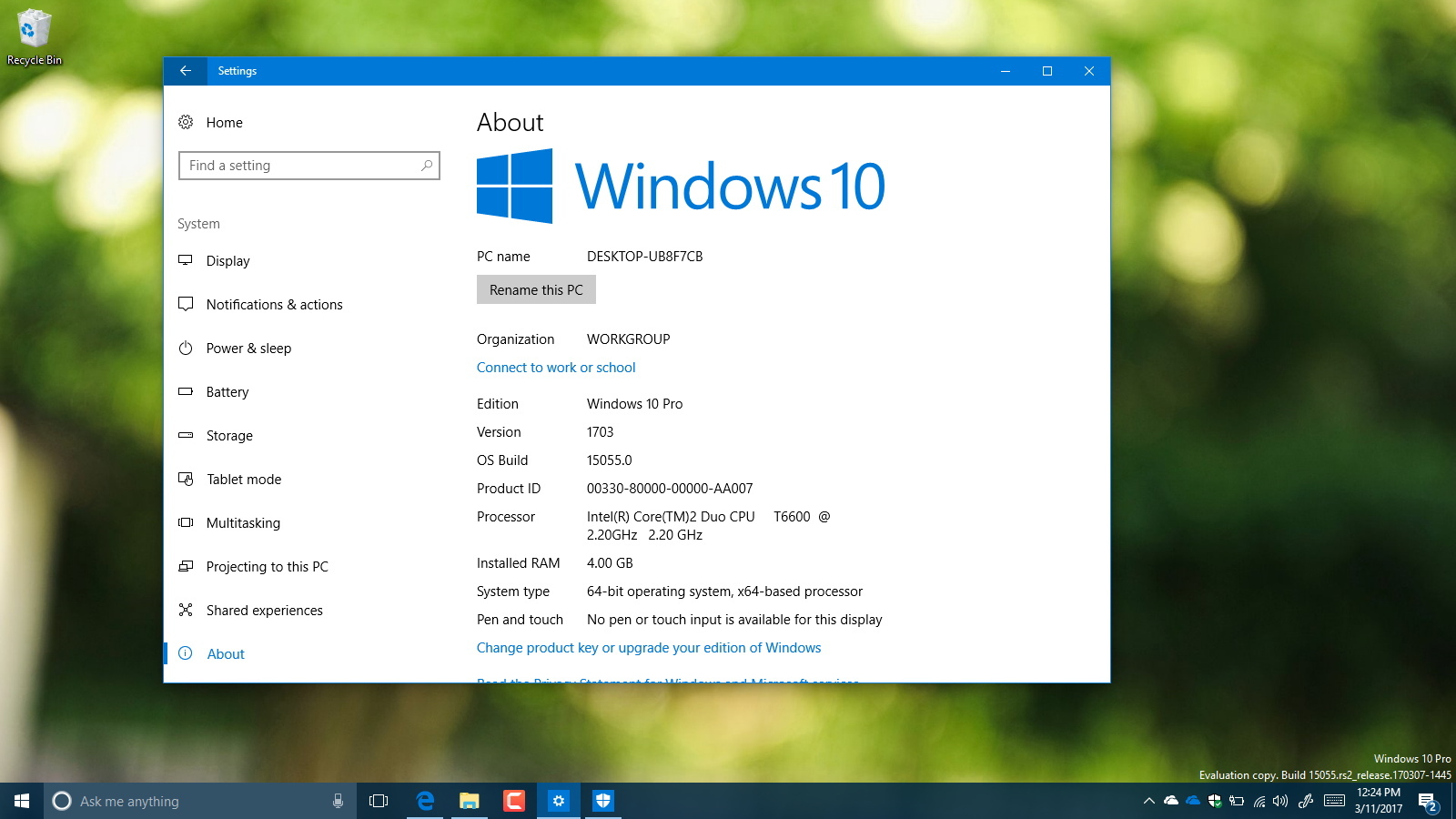
Windows 10 Creators Update download using Media Creation Tool
You can install the Windows 10 Creators Update manually now using the Media Creation Tool — Here's how to do it.
You can install the Windows 10 Creators Update manually now using the Media Creation Tool — Here's how to do it.

You can get the Windows 10 Creators Update now ahead of its official release.

You can get the Windows 10 Creators Update now, if you use the Release Preview Insider ring.

The Creators Update removes over a dozen good features on Windows 10 — Here's the complete list of changes.

Microsoft introduces new changes to stop your PC from restarting unexpectedly after installing an update with Creators Update.

Windows 10 Creators Update (build 15046) ships the ability to block apps that are not from the Store and pick up where you left off in ...

Stay ahead of the curve and don't be an early adopter. Use this guide to stop the Windows 10 Creators Update, and install the new ...

The Network & Internet section in the Settings app allows you to configure and manage Wi-Fi, airplane mode, VPN, mobile hotspot, and ...

The Devices section in the Settings app allows you to customize your Bluetooth, printers, mouse, and your Windows Ink experience — ...