Pureinfotech
  • Windows 11
  • Windows 10
  • How-To
  • Insider
  • Tracker
  • AI
  • News
  • Tools
  • About
  • Search
  • Follow

How-To

How to enable ‘Reserved Storage’ on Windows 10

Published on January 10, 2019

You can enable "Reserved Storage" on existing installations of Windows 10, and in this guide, you'll learn how to enable, disable, and ...

Inserting symbols on Windows 10

How to quickly insert symbols on Windows 10

Published on January 7, 2019

Can't remember the Alt key code? Or you keep using the internet just to copy and paste a symbol? Then here are two quick ways to insert ...

Use friendly dates in File Explorer

How to use friendly dates in File Explorer on Windows 10

Published on January 2, 2019

You can now use friendly dates in File Explorer, and in this guide, you'll learn how to enable the feature on Windows 10.

Windows 10 version 1809 download using Update Assistant

Windows 10 version 1809 download using ‘Update Assistant’

Published on January 2, 2019

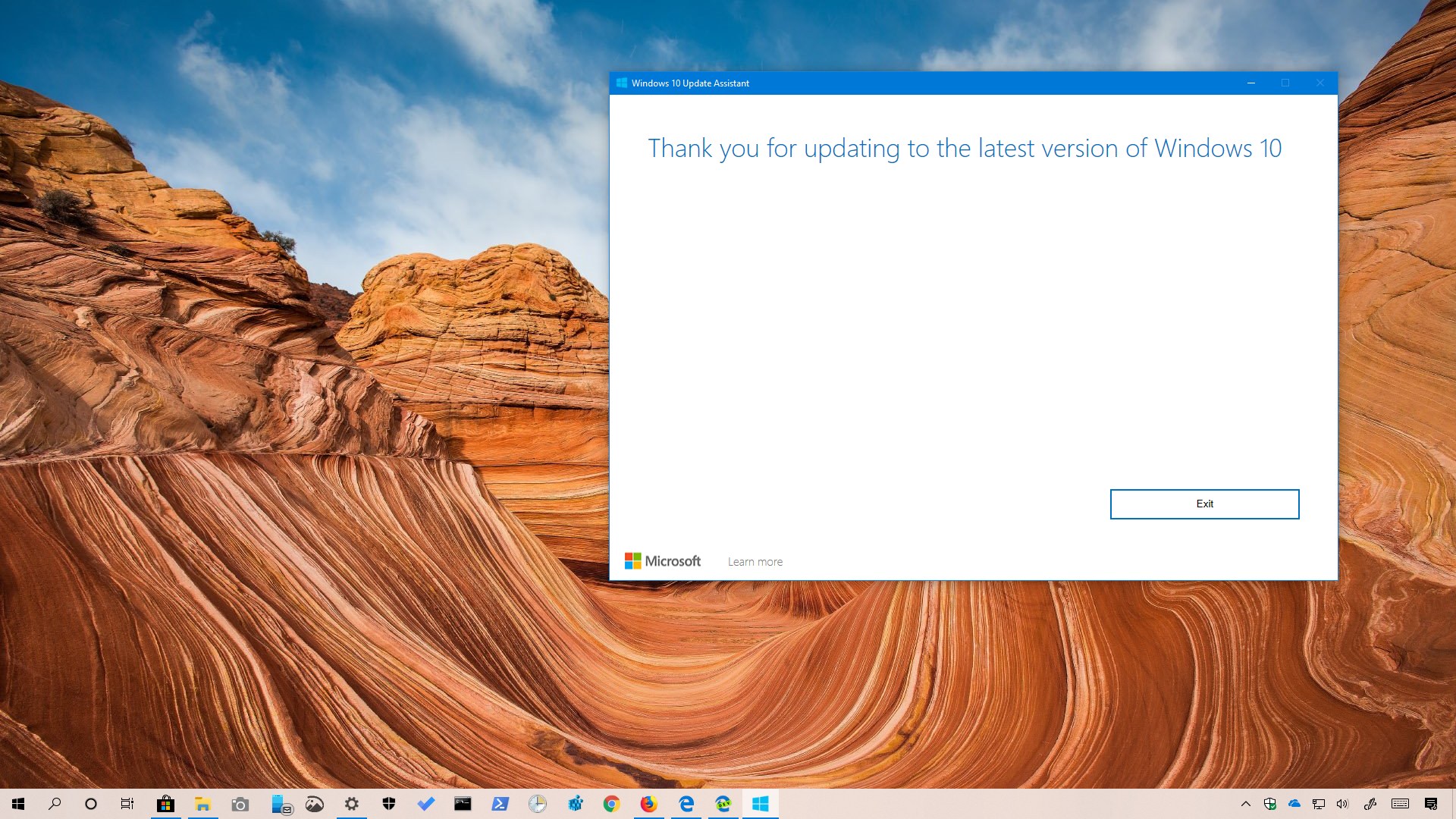
The Update Assistant tool has been updated to install the Windows 10 October 2018 Update (version 1809), and here's how to use it.

Fixing Recycle Bin on Windows 10

How to fix corrupted Recycle Bin on Windows 10

Published on December 17, 2018

If you can't use Recycle Bin on Windows 10, it may be time to reset it, and in this guide, we'll how to do it.

Command Prompt in fullscreen

How to use Command Prompt in fullscreen on Windows 10

Published on December 14, 2018

If you use Command Prompt, you should use it in true fullscreen mode, and here's how to do it.

Fixing problems with Windows Hello fingerprint

How to fix Windows Hello fingerprint problems on Windows 10

Published on December 13, 2018

If you're having problems signing in using your fingerprint, it's not the reader, it's the configuration, and here's how to fix this issue.

Sign in to Microsoft account using Windows Hello

How to set up Windows Hello to sign in to a Microsoft account

Published on November 27, 2018

You can use Windows Hello to sign in to your Microsoft account without the need of a password, and here's how to set it up.

Windows 10 version 1809 clean install

How to clean install Windows 10 version 1809 (October 2018 Update)

Published on November 13, 2018

VIDEO: The best way to get Windows 10 October 2018 Update (version 1809) is doing a clean installation — Here's why and how to do it.

Upgrade to Windows 10 version 1809 (October 2018 Update)

How to upgrade to Windows 10 version 1809 (October 2018 Update)

Published on November 13, 2018

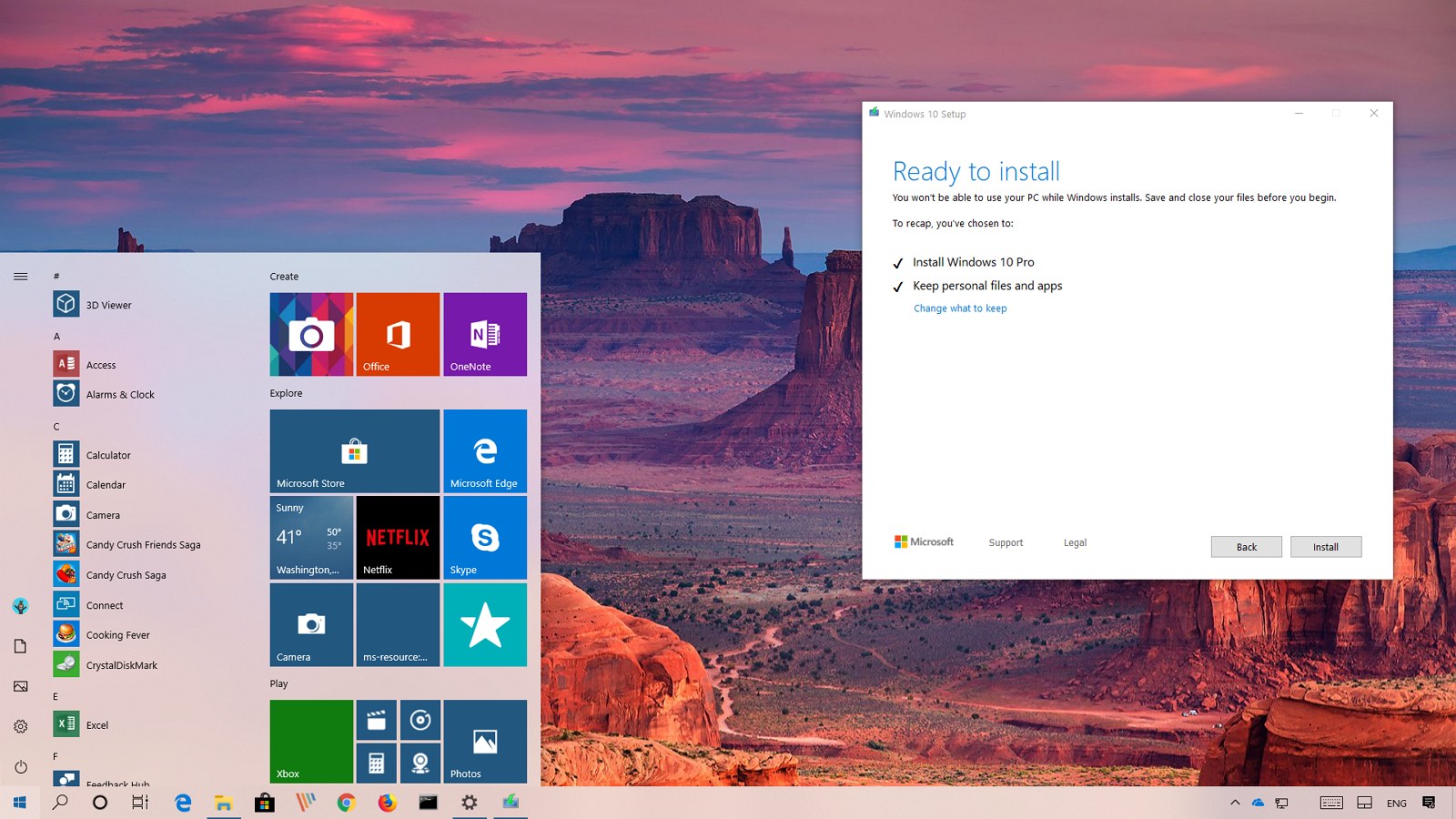
VIDEO: Use these steps to upgrade to Windows 10 version 1809 if your PC isn't getting the update automatically in October.

PREVNEXT
Get the latest tutorials delivered to your inbox
Add as preferred source on Google
  • Tools:
  • What's my IP
  • IP Subnet Calculator
  • My user agent
  • Build Tracker
  • About
  • Privacy
  • Contact us
  • RSS Feed
  • follow.it
  • X (Twitter)
  • Facebook
  • YouTube

Pureinfotech is independent online publication that makes Windows and apps easy to understand with clear, concise guides, advice, and news.

**This website uses cookies to ensure you get the best experience on our website.**
Copyright © 2026 Pureinfotech • Windows 10 & Windows 11 help for humans  All Rights Reserved.  Design new host by mh version 5.2026.5319