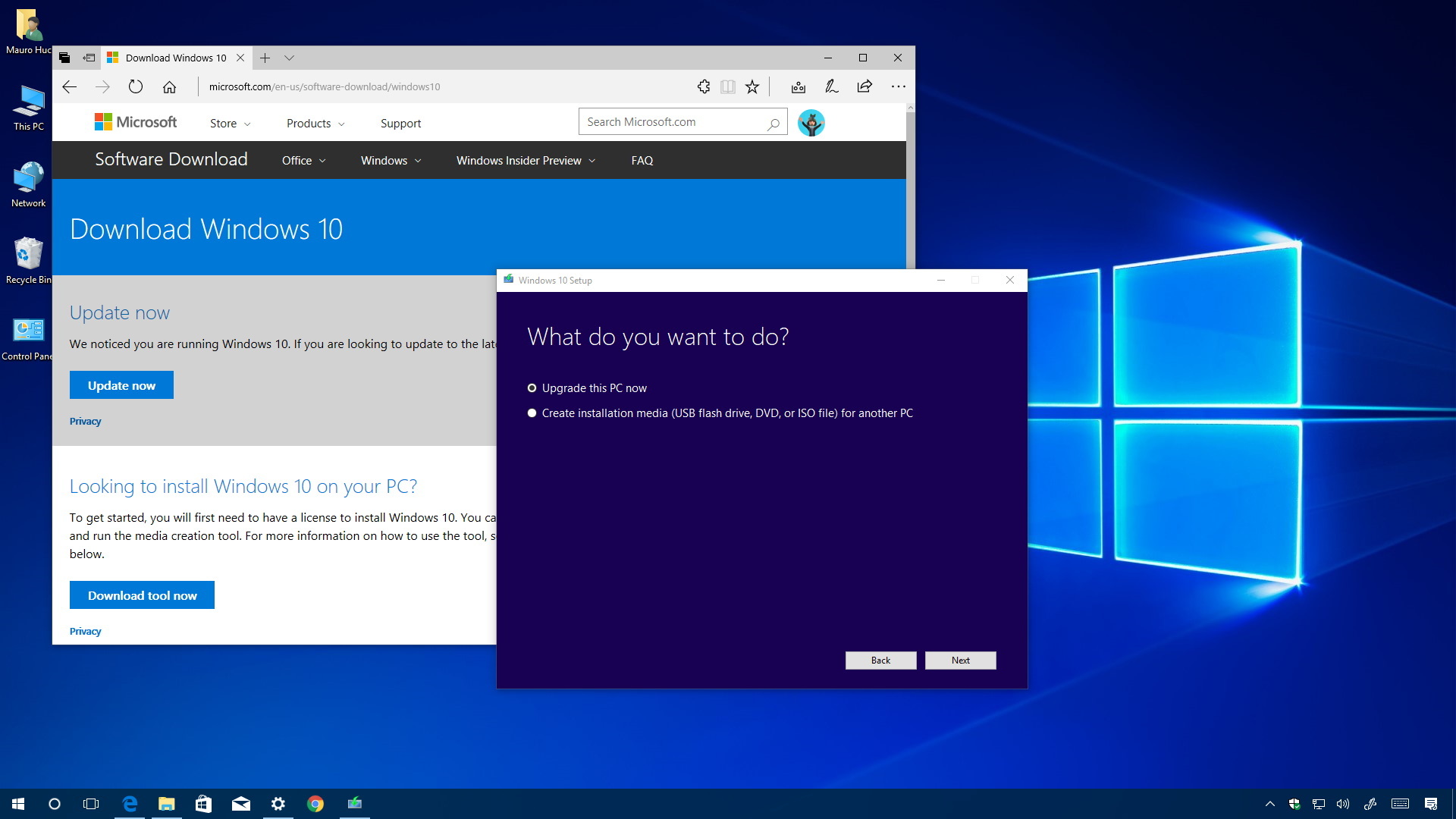
How to fix error 0x800F0923 on Windows 10
Security software, old drivers, and incompatible apps can always cause upgrade problems on Windows 10 — Here's how to fix this issue.
Security software, old drivers, and incompatible apps can always cause upgrade problems on Windows 10 — Here's how to fix this issue.

You can still access Control Panel on Windows 10 is a number of quick ways — Here are five of them.

Windows 10 upgrade always go wrong when installation files are missing or damaged — Here's how you can fix this problem.

Taking screenshots on a PC is very simple, and there are a few ways to do it on Windows 10.

My People feature is now available for testers, and here are the steps to enable or disable the experience on Windows 10.

Windows 10 has a secret option to use apps and even Microsoft Edge on full-screen mode — Here's how to enable it.

Get prepared for a smooth installation of the Windows 10 Creators Update.

You can install the Windows 10 Creators Update manually now using the Media Creation Tool — Here's how to do it.