Pureinfotech
  • Windows 11
  • Windows 10
  • How-To
  • AI
  • News
  • Devices
  • About
  • Search

Windows

Settings new Home page

Settings app to get new Home page on Windows 11

Published on May 8, 2023

The Settings app is about to get a new Home page with more ads.

Windows 11 check specs

How to check computer specs on Windows 11

Published on May 8, 2023

Here are four quick ways to determine the tech specs of your computer without looking into documentation or contacting support.

Windows 11 22H2 upgrade

How to upgrade to Windows 11 22H2

Published on May 8, 2023

You can upgrade to Windows 11 22H2 in four different ways, and in this guide, we'll show you how.

Delete older than files on Windows 10

How to delete files older than X days automatically on Windows 10

Published on May 8, 2023

You can free up space and keep things organized by only deleting files that are older than a certain number of days in any folder — ...

Desktop pin widget

Windows 11 to support desktop Widgets pinning

Published on May 5, 2023

You will soon be able to pin widgets and create app folders on the Windows 11 desktop.

Windows 11 Shut down

Shut down Windows 11 computer (six ways)

Published on May 5, 2023

Windows 11 might be different, but it's still easy to power down or restart the system.

Windows 11 Home with Hyper-V

How to install Hyper-V on Windows 11 Home

Published on May 5, 2023

If you use Windows 11 Home, you can use this workaround to install Hyper-V.

Windows 11 KB5026438

Windows 11 build 22624.1690 (KB5026447) rolls out in Beta Channel

Published on May 4, 2023

A new preview of Windows 11 brings a new Facebook widget, improvements to the Start menu, and other changes.

Windows 11 build 23451

Windows 11 build 23451 rolls out in Dev Channel

Published on May 4, 2023

Windows 11 gets a new preview in the Dev Channel with visual changes for File Explorer, Start menu, Desktop, and more.
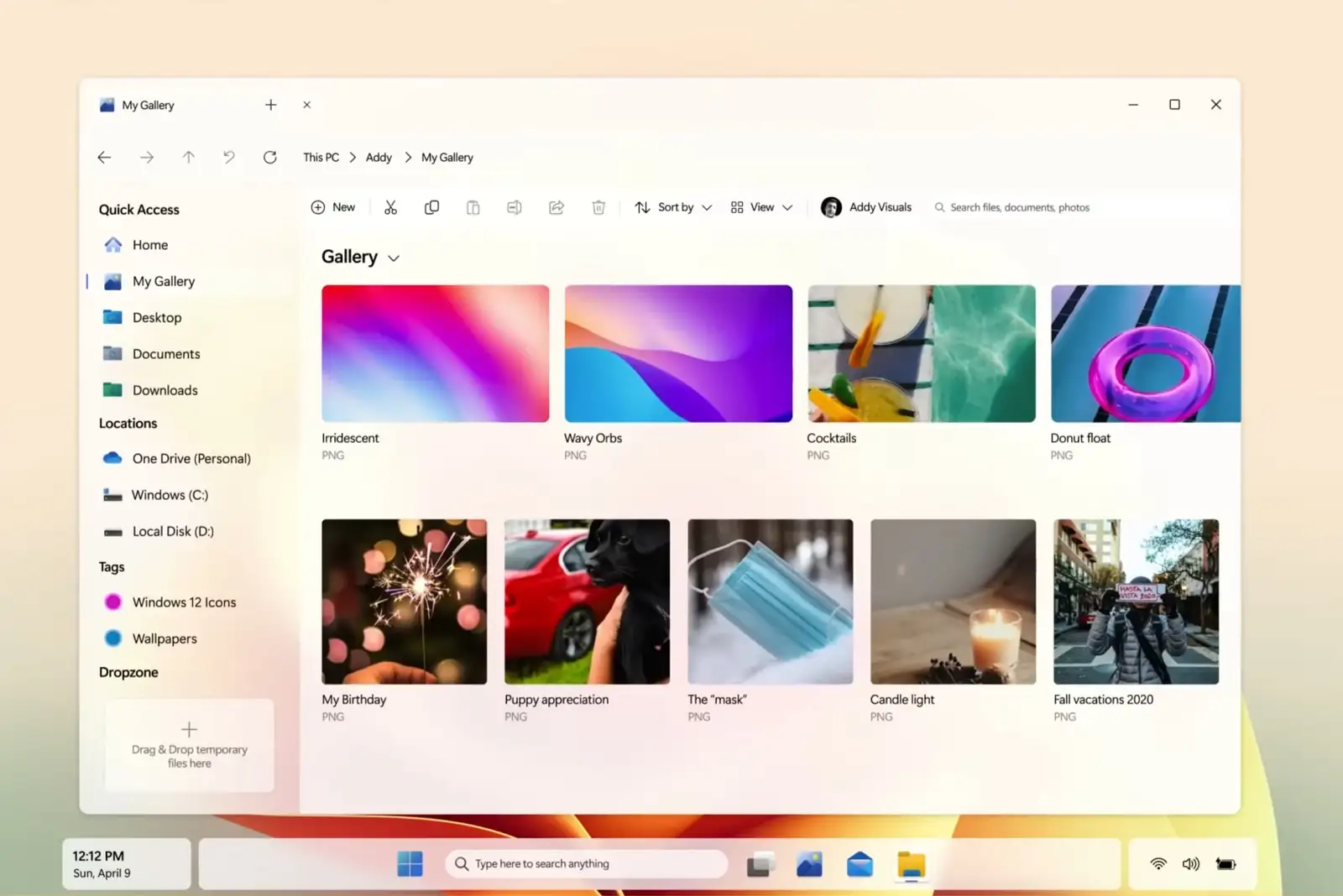
Windows 12 concept design

Windows 12 concept video demos amazing new visual changes

Published on May 4, 2023

A concept video shows off the visual changes and new features that could be part of Windows 12.

PREVNEXT
Get the latest tutorials delivered to your inbox
Add as preferred source on Google
  • About
  • Privacy
  • Contact us
  • RSS Feed
  • follow.it
  • X (Twitter)
  • Facebook
  • YouTube

Pureinfotech is independent online publication that makes Windows and apps easy to understand with clear, concise guides, advice, and news.

**This website uses cookies to ensure you get the best experience on our website.**
Copyright © 2025 Pureinfotech • Windows 10 & Windows 11 help for humans  All Rights Reserved.  Design new host by mh version 5.2025.2863