Pureinfotech
  • Windows 11
  • Windows 10
  • How-To
  • AI
  • News
  • Tools
  • About
  • Search
  • Follow

Windows

Hey Hey Cortana on Windows 10

How to enable ‘Hey Cortana’ hands-free feature on Windows 10

Published on January 25, 2015

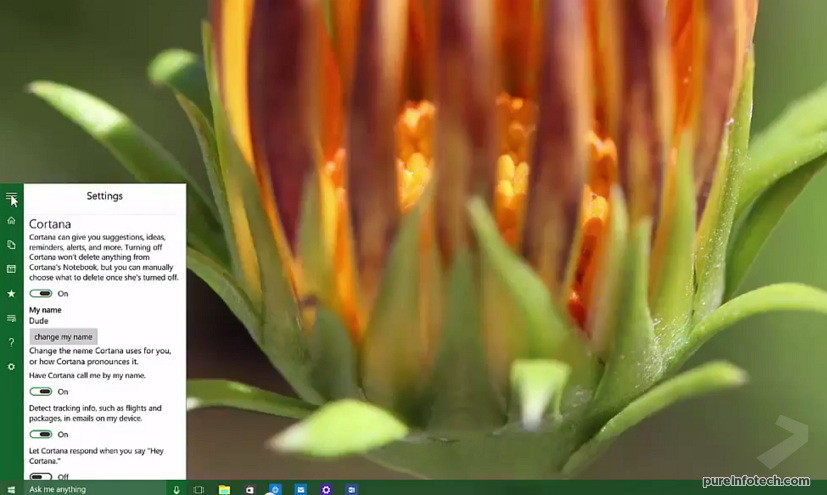
You can simply say "Hey Cortana" to activate the digital assistant on Windows 10, but the option comes disabled by default. Here's how ...

New Logon experience in Windows 10 build 9926

How to enable new Logon screen experience on Windows 10 (build 9926)

Published on January 24, 2015

Microsoft just pushed out the January Technical Preview of Windows 10 and with build 9926 many new features and enhancements have been ...

AOMEI OneKey Recovery software

How to create a custom Windows 10 dedicated recovery partition

Published on January 19, 2015

Use this guide to create a custom dedicated partition of your Windows 10 installation with universal and desktop apps and settings for ...

Windows 8 PC 780_wide

How to prevent Windows themes from changing mouse cursor settings

Published on January 16, 2015

This guide will walk through the steps to prevent a Windows Theme from changing the mouse cursor settings on Windows 10, 8.x, and 7.

Microsoft Patch Tuesday for Windows

Microsoft Patch Tuesday January 2015 includes Windows 10 security update

Published on January 13, 2015

Today, January 13, Microsoft is pushing out its first Patch Tuesday of 2015. January Patch Tuesday, brings eight security updates: one ...

Windows 7 logo with green background

Windows 7 mainstream support officially ended, time to think about Windows 10

Published on January 13, 2015

This is the end, on January 13, today, Microsoft is officially ending the mainstream support for Windows 7 with Service Pack 1, but it ...

Windows 10 pink background

Windows 10: Windows XP and Vista will require clean installation to upgrade

Published on January 5, 2015

As Microsoft prepares to ship Windows later in the year, it’s a logical for users beginning to ask how the upgrade will work and ...

Windows 10: on-screen media controls now on desktop apps http://buff.ly/1HlasXx

Windows 10: on-screen media controls now on desktop apps

Published on January 2, 2015

In Windows 10, Microsoft is not only improving how modern apps work on the desktop, but it is also unifying the modern environment with ...

Internet Explorer Trident Edge 12 Windows 10

How to enable Internet Explorer new rendering engine on Windows 10

Published on January 2, 2015

Here are the instructions to enable Microsoft’s Edge 12 rendering engine on Windows 10.

Windows 10 adaptive context menu (optimized for touch)

Windows 10 to expand touch-optimized context menus to the desktop

Published on December 30, 2014

Microsoft is building Windows 10 to be an operating system that adapts to any screen size, while bringing back the familiarity of ...

PREVNEXT
Get the latest tutorials delivered to your inbox
Add as preferred source on Google
  • About
  • Privacy
  • Contact us
  • RSS Feed
  • follow.it
  • X (Twitter)
  • Facebook
  • YouTube

Pureinfotech is independent online publication that makes Windows and apps easy to understand with clear, concise guides, advice, and news.

**This website uses cookies to ensure you get the best experience on our website.**
Copyright © 2026 Pureinfotech • Windows 10 & Windows 11 help for humans  All Rights Reserved.  Design new host by mh version 5.2026.3211